A painting app for your browser
Paint that feels like paint.
Mix colours on a real paint dish, work in proper layers, and paint straight onto 3D models. With a pen, a mouse or your finger, on a tablet, phone or computer. Nothing to install.
Try everything in your browser right away. A free account adds 14 days with cloud saving and downloads. Then €24 once, no subscription.

See it move
Smudgeon in 36 seconds
Colour
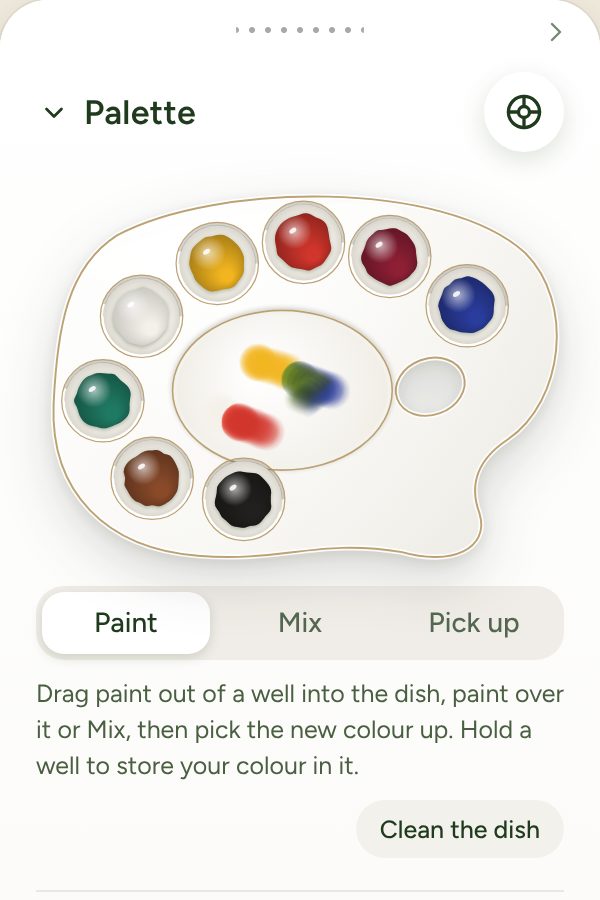
Mix colour like on a real palette
Drag paint out of the wells, mix it in the dish and pick up exactly the colour you made. It is how painters think about colour, and no other app has it.
- A porcelain dish with ten wells you can refill
- Mix, then pick up the blend with one tap
- Colour wheel, swatches and an eyedropper as well
Brushes
Brushes that behave like the real thing
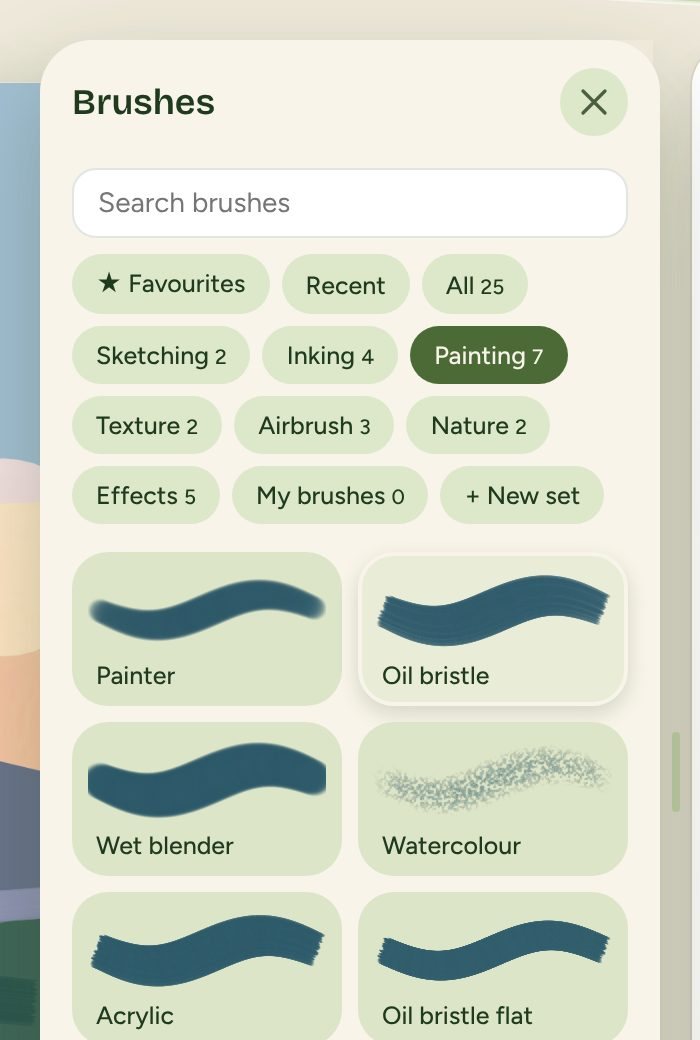
Oils that smudge, wet blending, inking pens, texture and airbrush. Strokes follow your pen pressure and tilt, with smoothing when you want a steady line.
- 25 brushes to start, and you can make your own
- Bring in Photoshop .abr and Procreate brushes you own
- Smudge, blend, liquify and fill tools
Layers
The layers you already know
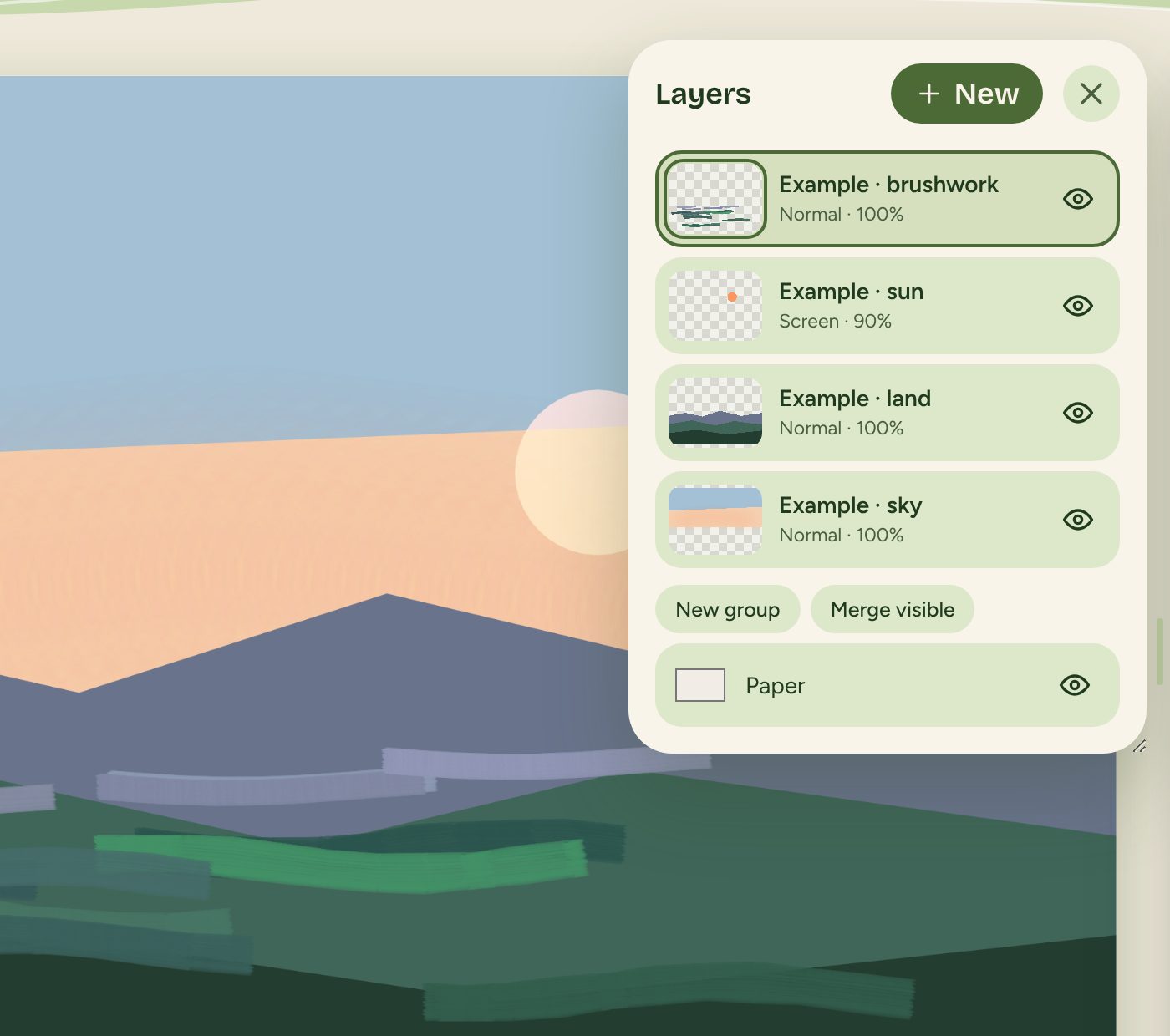
Paint on separate layers and change your mind later. Everything a serious painting needs, without the clutter.
- Adjustment layers: levels, curves, hue and more, changeable any time
- Groups, masks, clipping and 15 blend modes
- Open and save layered PSD files
- Magic wand, lasso, copy and paste
3D
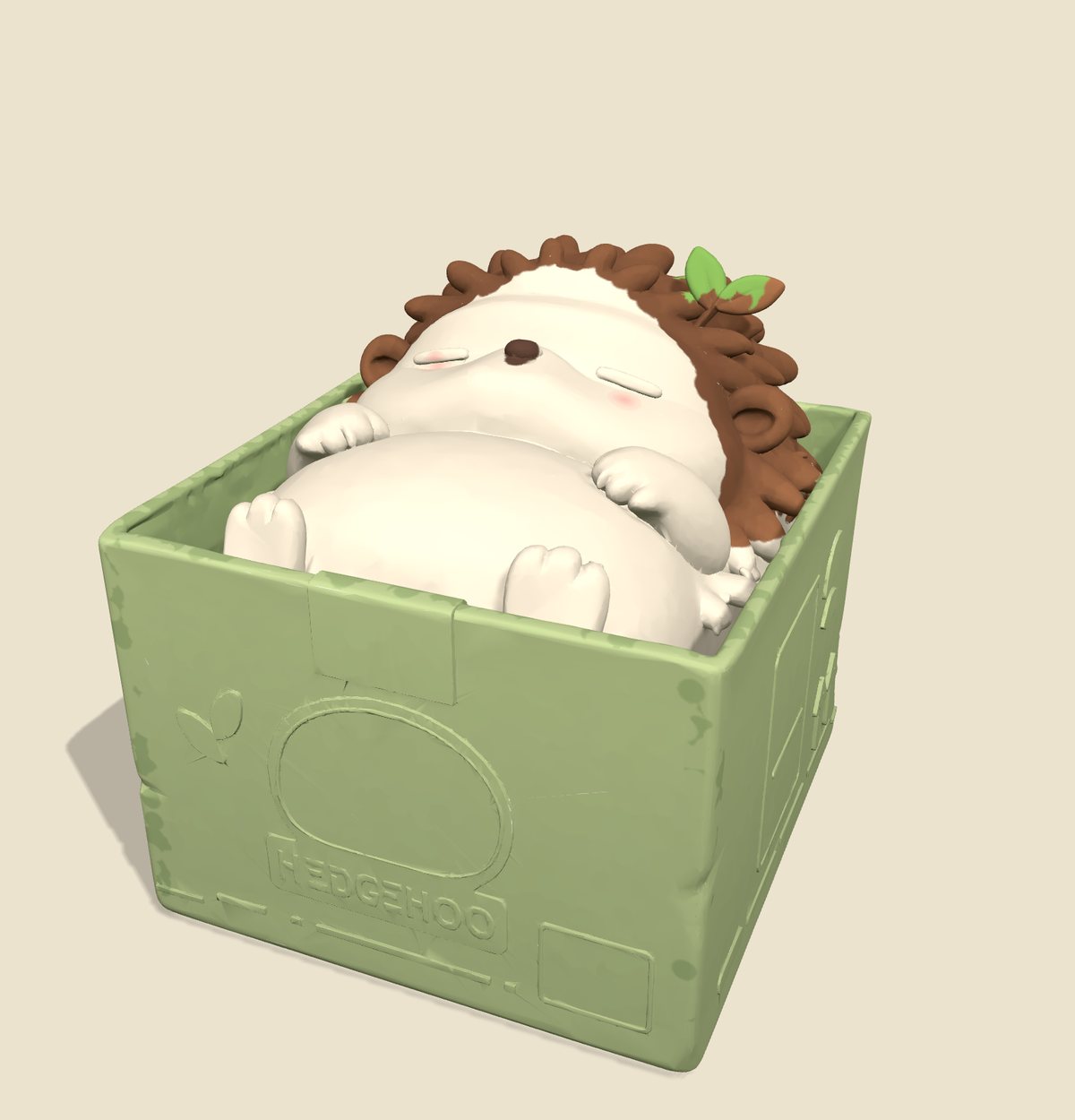
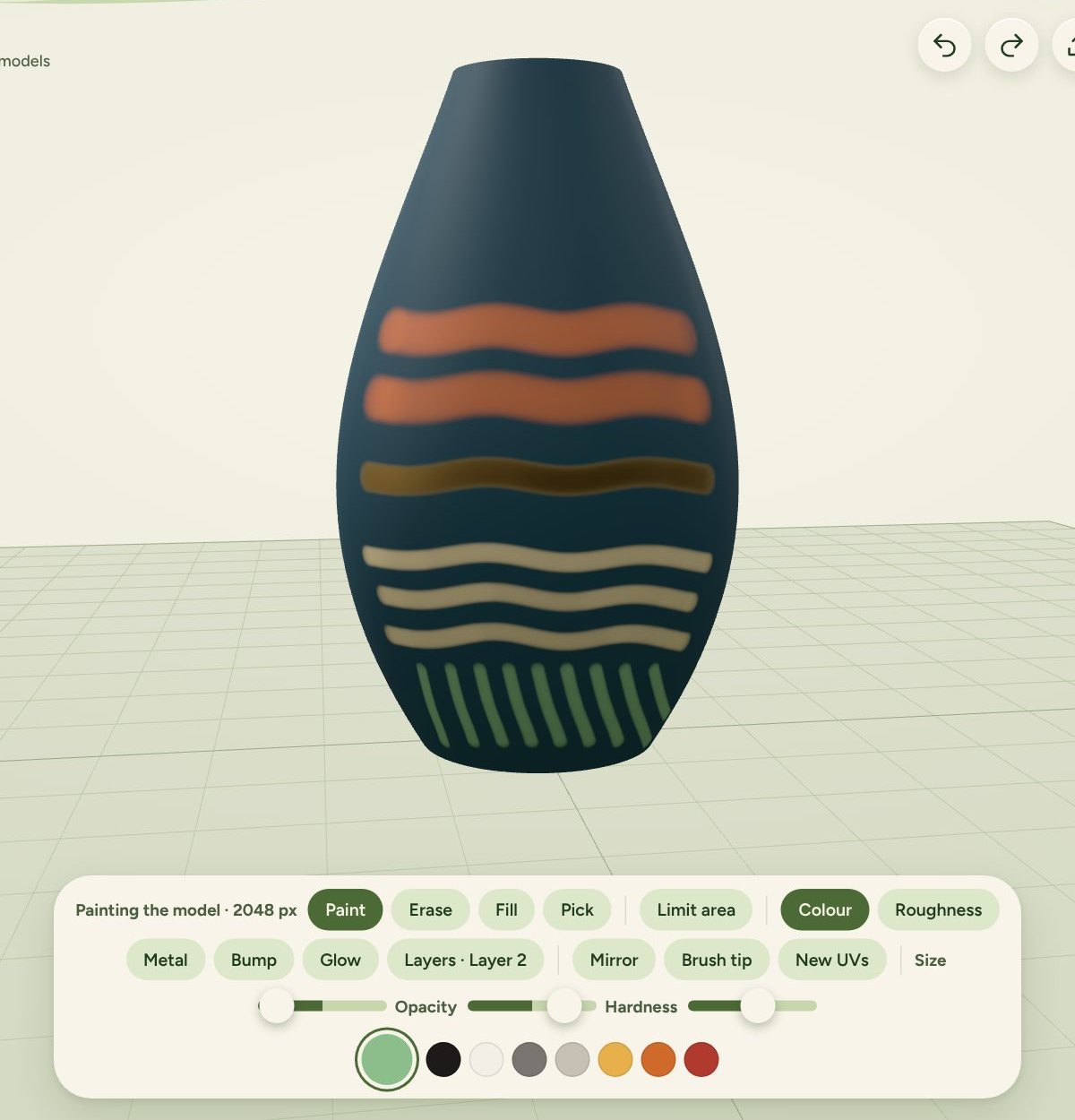
Paint straight onto 3D models
Bring in a model and paint on it like a sculpture. Colour, roughness, metal, bump and glow, each in layers, ready for games and 3D apps.
- Mirror painting and limit paint to one face
- Snap to front, side and top views
- Export GLB, OBJ and USDZ with every map
Everywhere
Start on your tablet, finish on your laptop
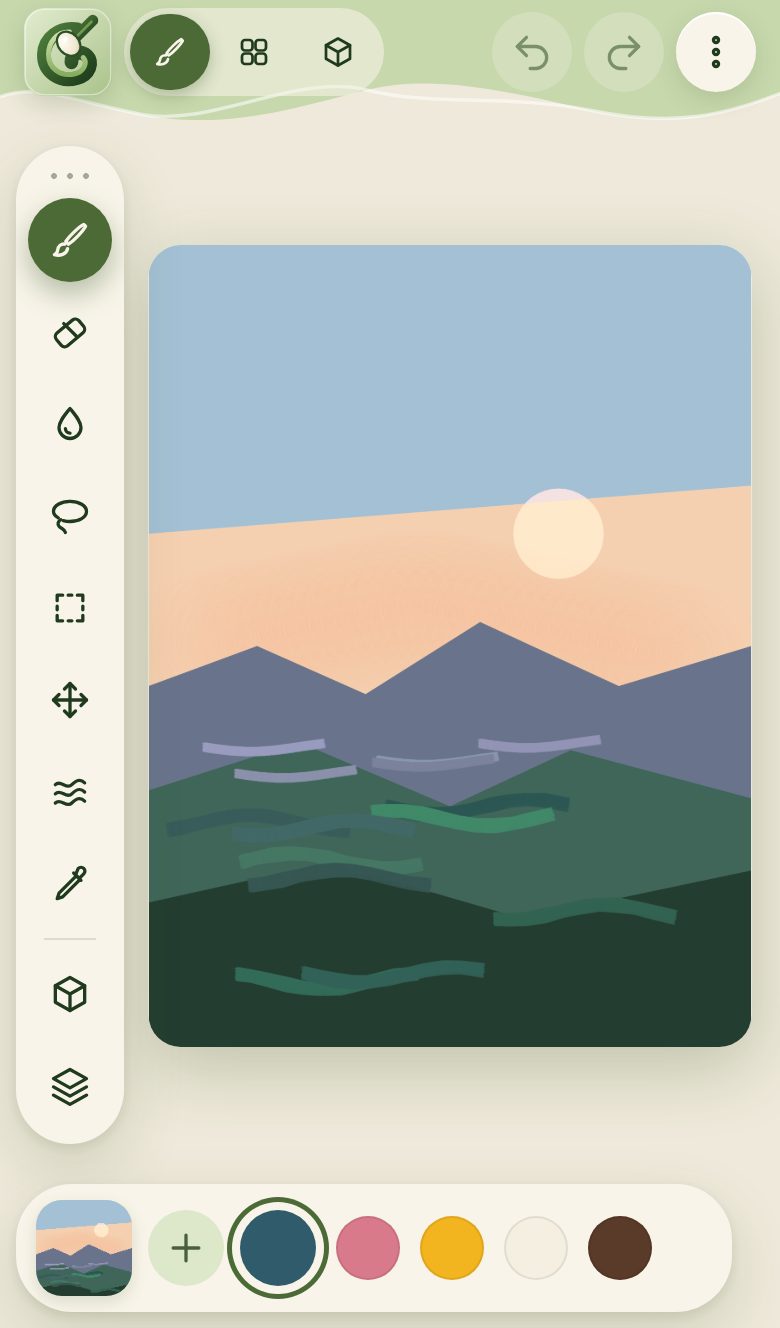
Smudgeon runs in any modern browser and keeps working offline. With an account, every painting is copied to the cloud as you work and opens on all your devices.
- Saved as you paint, even without internet
- Version history: name a version, or let it save one as you paint
- Download everything at any time
And the rest of the studio
Animation
Frame-by-frame with onion skin. Export a GIF or a video.
Timelapse
Every painting records itself. Share how it came together.
Gallery
All your paintings in one place, with names, copies and versions.
Shortcuts and gestures
Two-finger undo, pinch to zoom, and keys you can change.
Guides built in
Short picture guides for painting and for 3D, whenever you want them.
Private by design
No adverts and no tracking. Your paintings are yours, always.
Pay once. Keep it.
No subscription for the app. Prices include VAT where it applies.
Smudgeon Paint
Everything, on all your devices, for good.
- Every tool, brush and feature
- 2 GB of cloud space for your work
- Updates included
- 14-day money-back guarantee
Smudgeon Cloud
Optional, for very big projects.
- 100 GB of cloud space
- Cancel any time, keep your work
Questions
Do I need to install anything?
No. Smudgeon runs in Chrome, Edge, Safari and Firefox on iPad, Android tablets, phones and computers. You can add it to your home screen so it opens like an app and works offline.
What does “try it now” include?
Every feature, straight away, with no email. Your paintings are saved in that browser. To download your work or keep it in the cloud, create a free account: it comes with 14 days free, and everything you painted comes with you.
Does it work with Apple Pencil and drawing tablets?
Yes. Pressure and tilt are used by the brushes, and your palm will not paint while you use a pen.
Can I use my work commercially?
Yes. Everything you make in Smudgeon is yours to use, sell or share.
Pick up a brush.
It takes one click, and nothing to install.