
How to make a frame-by-frame animation in your browser
Smudgeon has a simple animation mode for hand-drawn loops: every layer is a frame.
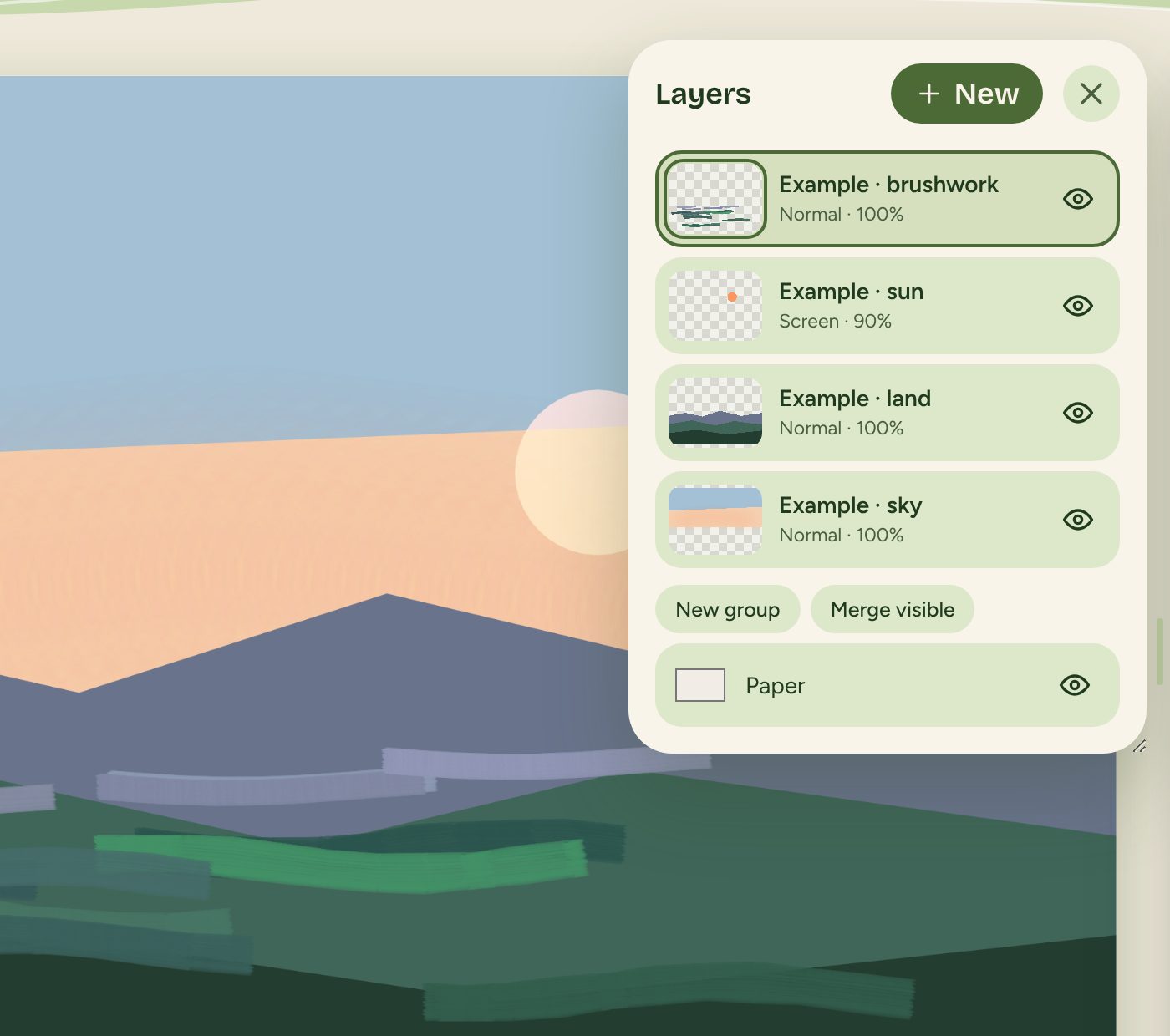
Turn on animation
In the menu, choose Animation (frames). A timeline appears.
Draw the first frame
Paint your first drawing. Then add a frame: each new frame is a new layer.
Use onion skins
Onion skins show the frames before (red) and after (green) the one you are drawing, so the movement lines up.
Set the speed
Choose the speed, how long each frame stays on screen, and whether it loops, plays back and forth or plays once.
Export
Export a GIF, a video, or a .zip of every frame.
Tip: Hide a layer to leave that frame out without deleting it. A group plays as one frame.
Try it yourself
Every feature, straight away, with no email. Nothing to install.