
How to use your Procreate and Photoshop brushes in the browser
If you already own brushes, you can keep using them. Smudgeon reads Procreate brushes and brush sets, and Photoshop .abr files.
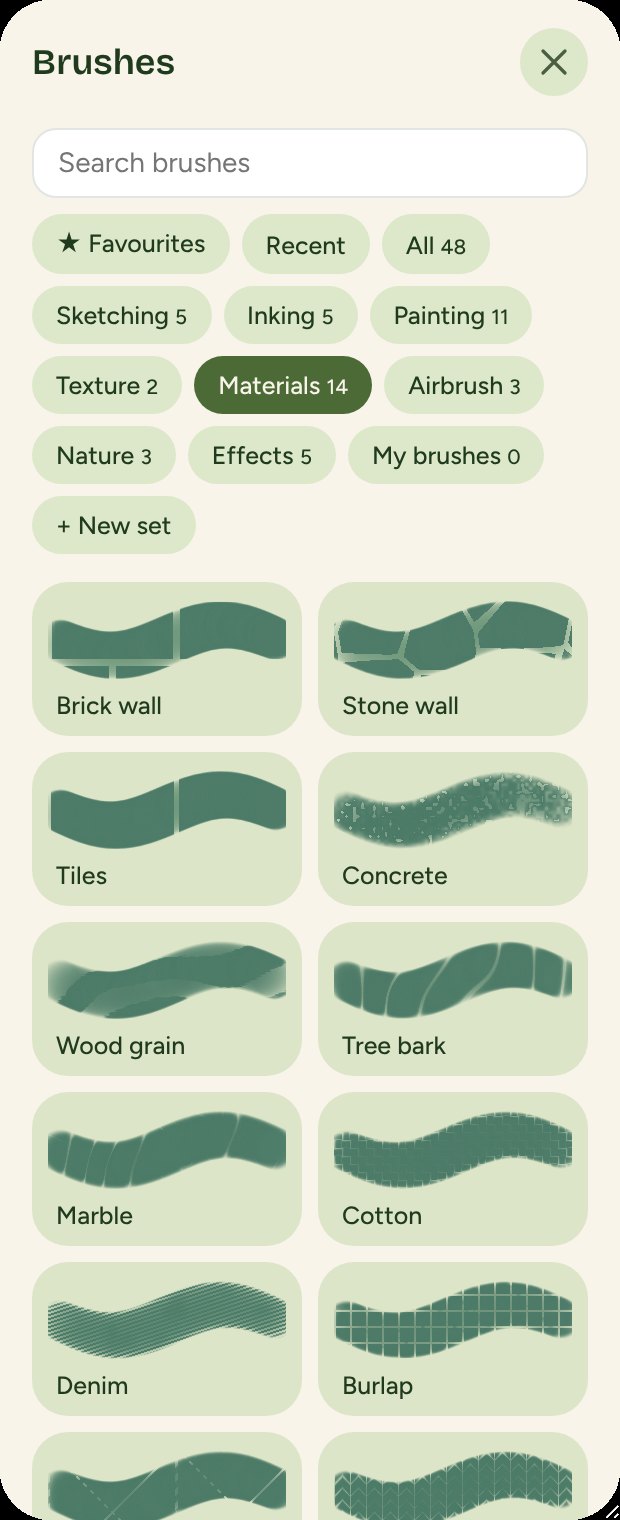
Open the brush library
Tap the brush tool again to open the brushes.
Import your files
Choose Import brushes… and pick a .brush, .brushset or .abr file. Photoshop files from version 7 and later can be read.
Find them in My brushes
Imported brushes go into My brushes, with their shape and grain.
Adjust them
Change size, opacity, spacing, grain and pressure for each brush. Your changes are kept.
Tip: Only import brushes you have the right to use. Brushes you bought usually allow it.
Try it yourself
Every feature, straight away, with no email. Nothing to install.